Teeth Whitening Vector Template — A Detailed Guide for Clean Dental Illustration and Design Clarity
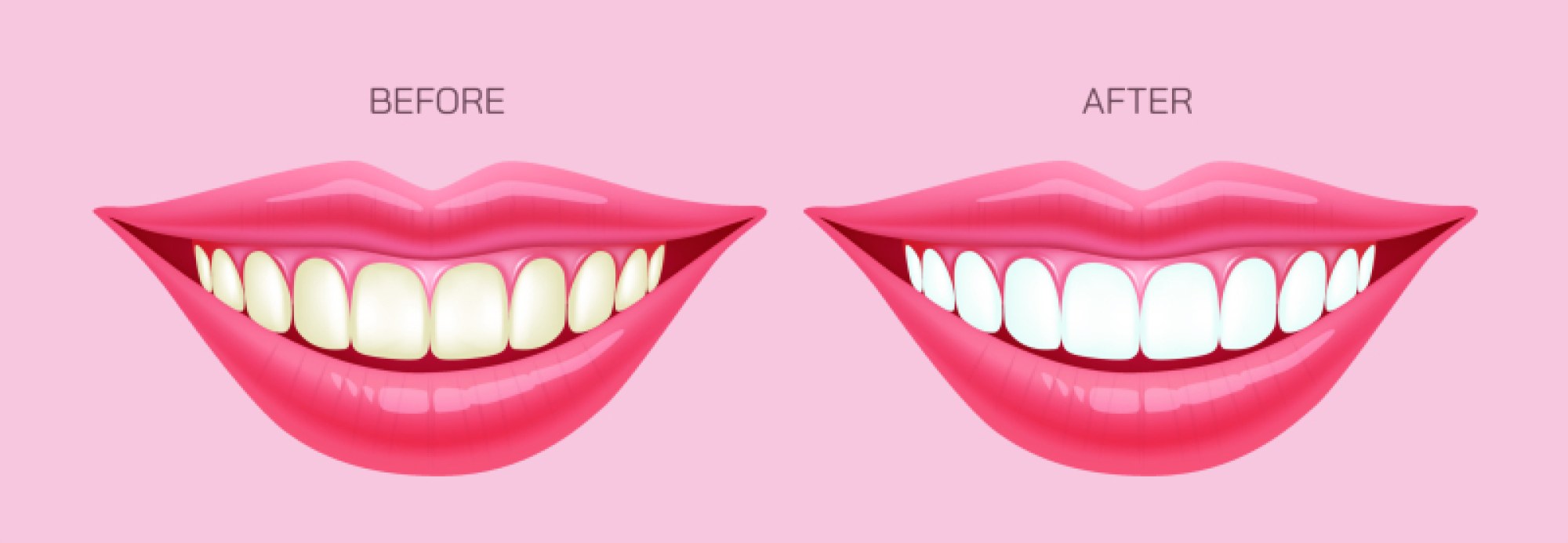
A teeth whitening vector template provides a clean visual approach for illustrating dental brightness, enamel clarity, and cosmetic improvement. This style of vector design is widely used in dental care guides, clinic banners, product labels, and oral hygiene education because it presents a polished and clear representation of tooth appearance. The strength of a vector template lies in its smooth lines, scalable structure, and flexible detail control, making it ideal for designers who aim to represent cosmetic results with precision.
The template usually contains a central tooth shape with balanced curves that reflect healthy enamel. This shape acts as the primary focus, drawing attention to the whitening effect. Surrounding lines or glow elements emphasize brightness, suggesting a polished surface with a clean finish. These additions help highlight the cosmetic aspect of whitening treatments. Designers often add spark elements or shine markers to indicate improved surface appearance. The overall form blends simplicity with clarity, which ensures that the message communicates instantly.
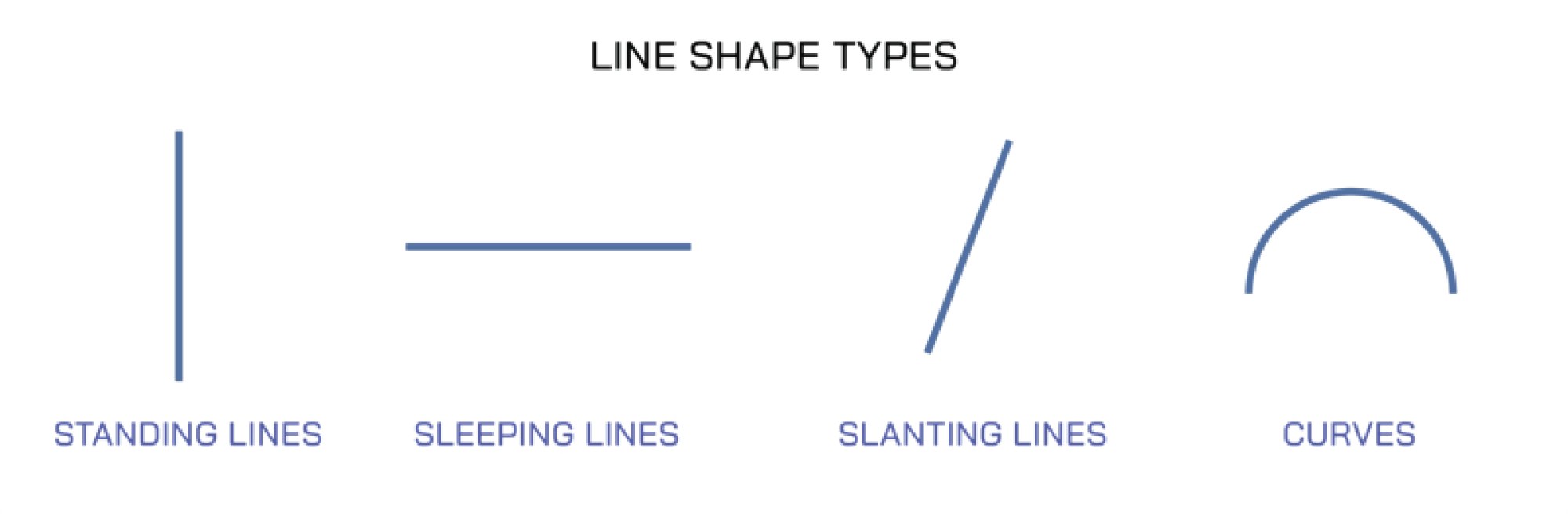
Because a vector template relies on scalable paths instead of pixel-based units, the tooth shape can be enlarged or reduced without losing quality. This makes the template adaptable for multiple uses across digital and print environments. A small icon version can be used for application menus or product instructions, while a large layout can be used for posters or clinic boards. The control offered by vector layers helps maintain structure as adjustments are made to line thickness, curve smoothness, or glow intensity.
The enamel region within a vector template is often defined using smooth gradients or subtle shapes. These elements show depth while maintaining the minimal style expected from vector design. Designers may adjust the gradient to represent natural light reflection on a polished surface. The goal is to provide an appealing look that communicates cleanliness and tooth improvement while preserving a simple, professional appearance.
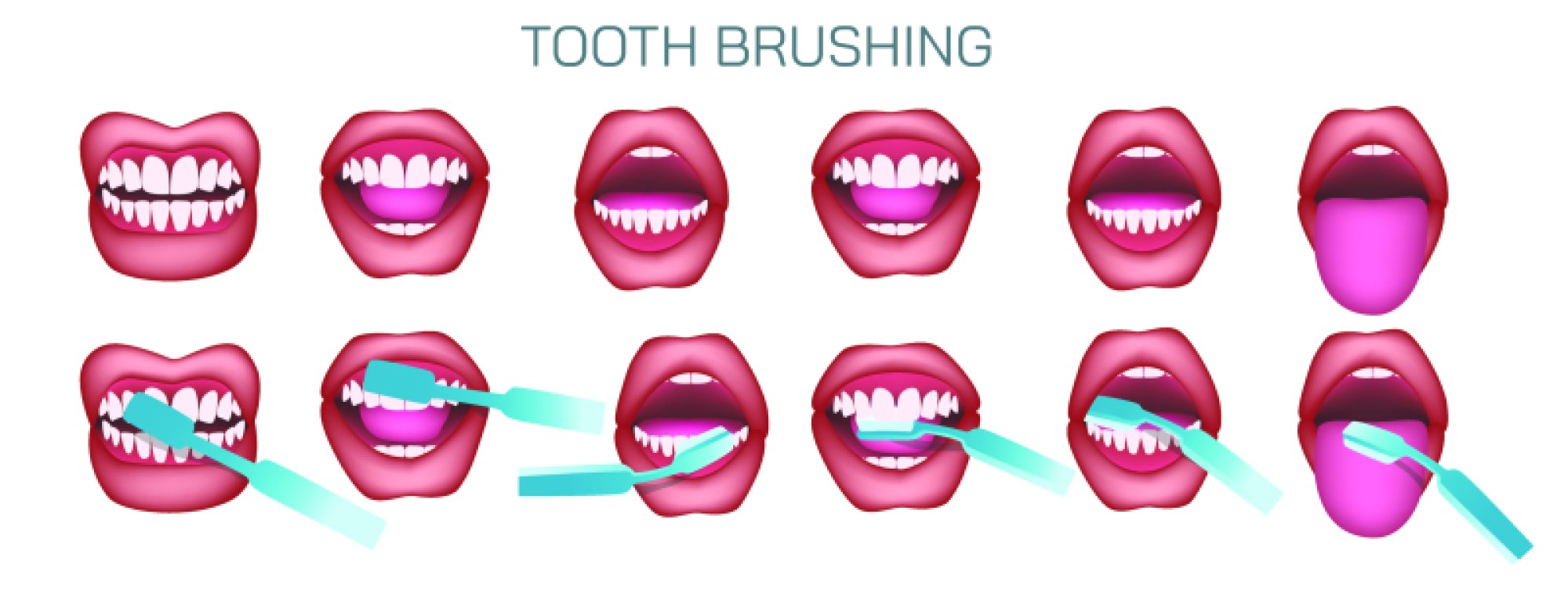
Whitening templates also commonly include supportive elements such as toothbrush icons, drop shapes to imply liquid application, or clean arcs suggesting motion. These surrounding elements help communicate the idea of a whitening process. Depending on purpose, the design may include a single tooth or a small cluster representing a smile section. When multiple teeth appear, designers simplify curves to create harmony and preserve readability.
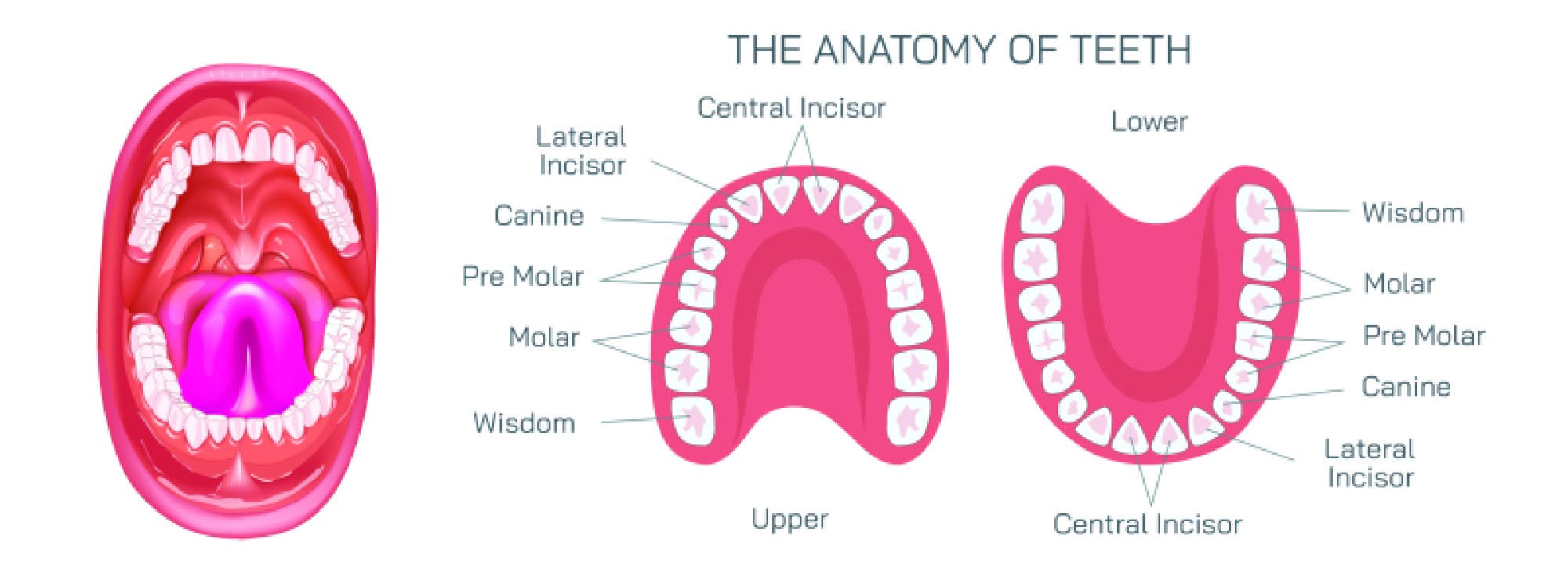
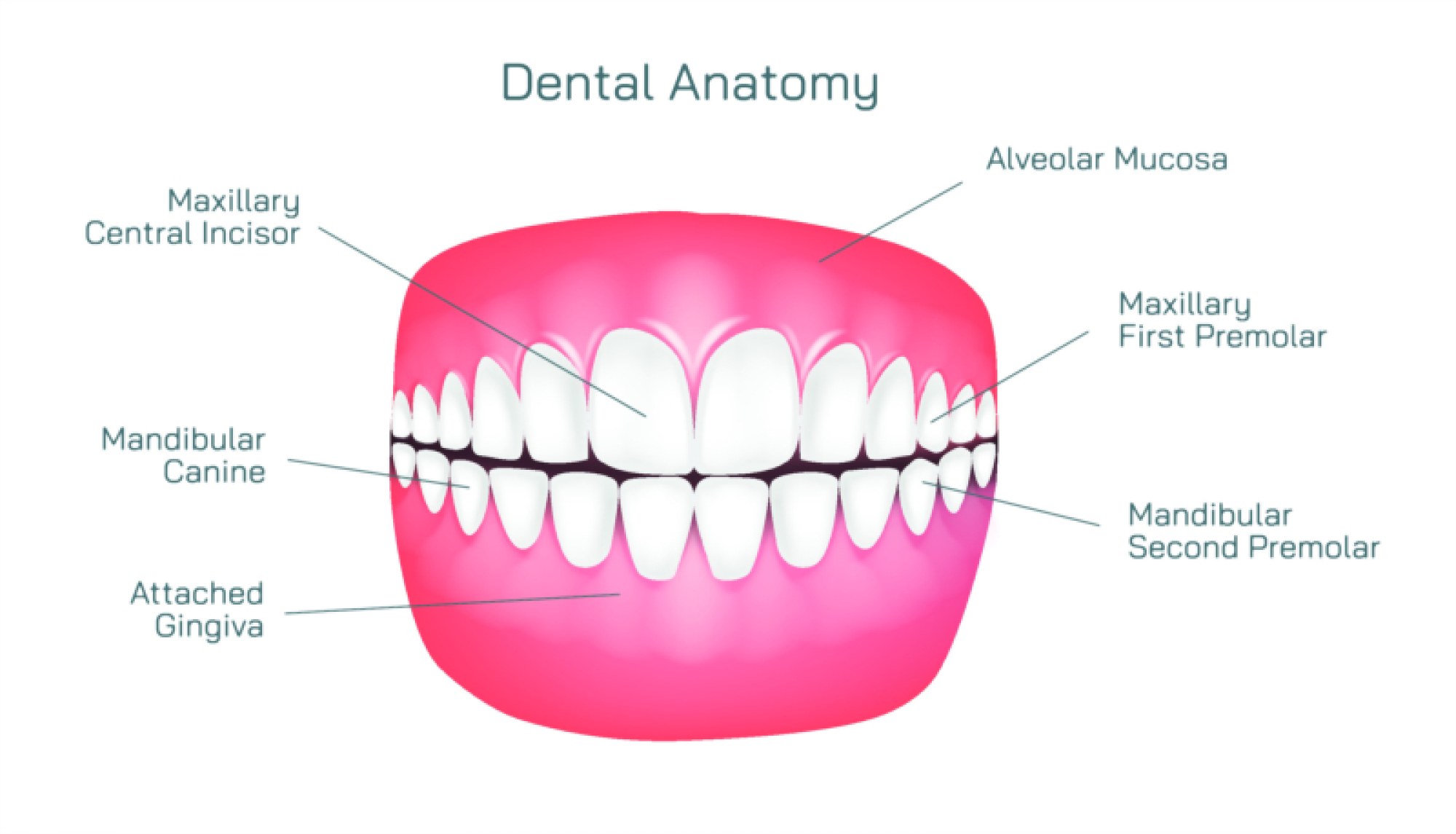
The template’s structure allows it to be used in dental product branding, instructional diagrams, design presentations, and cosmetic treatment promotion. For educational material, the tooth illustration may pair with labels showing enamel layers, cleaning action, or surface polish. For branding use, the template is often modified with color themes and glow effects. Light blue, soft white, or gentle silver tones are typically applied to suggest cleanliness and refinement. For cosmetic product design, a stronger shine effect is used to attract viewer attention.
Designers appreciate this type of vector template because it offers freedom in adjusting clarity, curves, and detail based on the tone of the project. A minimalist style works well for formal dental care layouts, while a brighter, more decorative style suits cosmetic campaigns. Every version retains essential structure—the smooth tooth outline, clean enamel region, and glowing markers that represent whitening results.
Overall, a teeth whitening vector template provides a stable foundation for illustrating improved tooth appearance. Its scalable nature, clean curves, and polished details make it ideal for oral health visuals, product design, and educational material. By adjusting glow strength, enamel gradients, and supporting symbols, the design can meet different stylistic needs while presenting a clear message of improved cleanliness and cosmetic brightness.